Введение
Инструменты


-
-
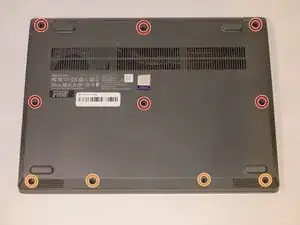
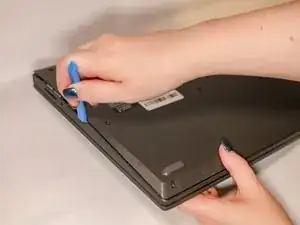
Flip your laptop over and place on a flat surface so you can access the screws on the base cover.
-
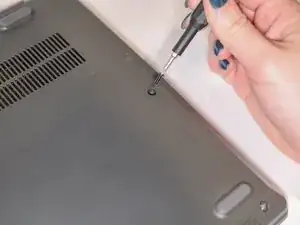
Remove the six 7 mm screws from the back panel of the laptop using a Phillips #0 screwdriver.
-
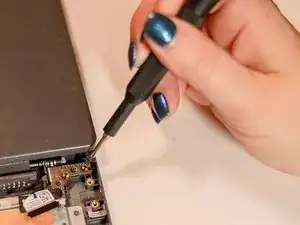
Remove the four 4 mm screws from the bottom edge of the laptop using a Phillips #0 screwdriver.
-
-
-
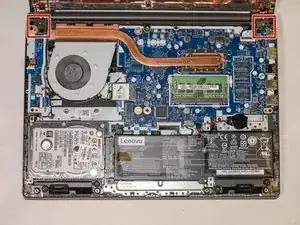
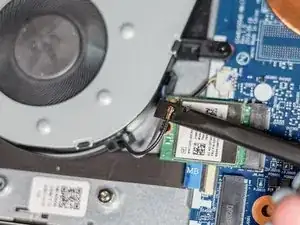
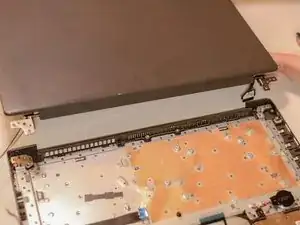
Using the spudger, disconnect the two wireless LAN cables (black and gray) from the wireless LAN card.
-
Remove the LAN cables from the three brackets on the fan.
-


Заключение
To reassemble your device, follow these instructions in reverse order.
