
Введение
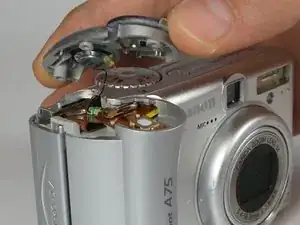
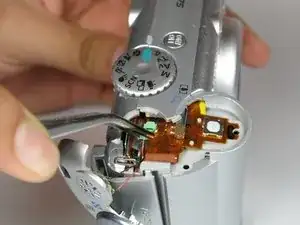
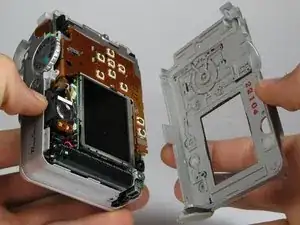
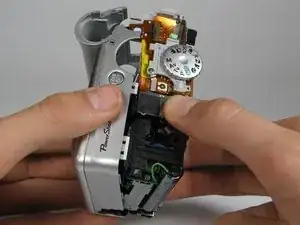
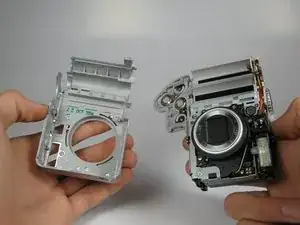
Use this guide to replace the Canon Powershot A75's casing.
Инструменты


-
-
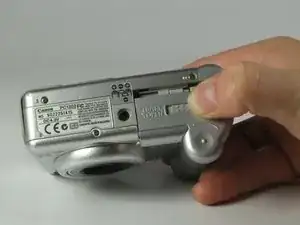
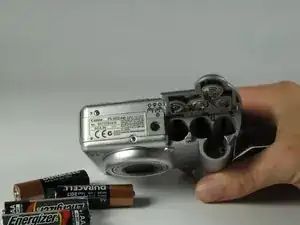
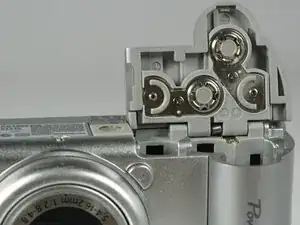
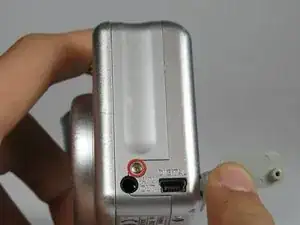
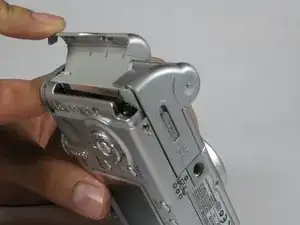
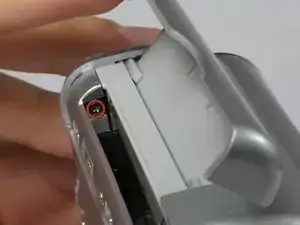
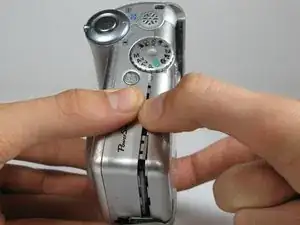
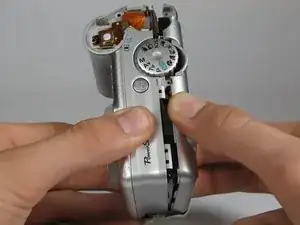
Open the memory card slot by sliding it laterally until you hear a click.
-
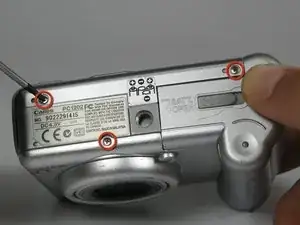
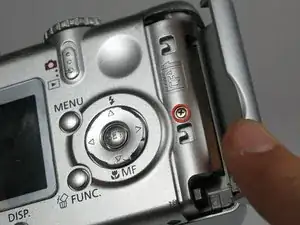
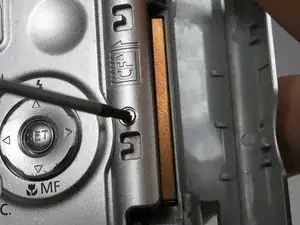
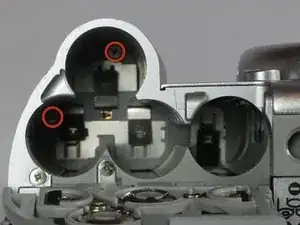
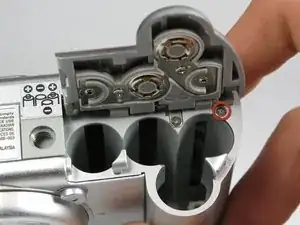
Remove the 5.9mm screw in the upper corner of the memory card slot.
-
-
-
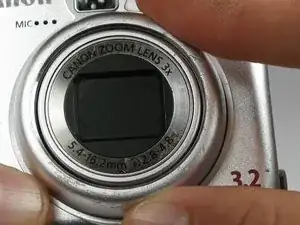
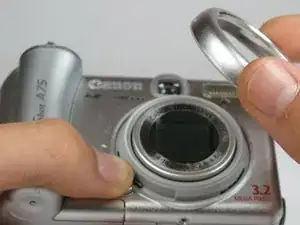
On the front of the camera, press the button on the lower left of the lens.
-
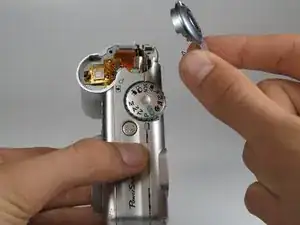
Twist the outer lens casing counter-clockwise and slide it out.
-








Заключение
To reassemble your device, follow these instructions in reverse order.

Один комментарий
Thank you for this detailed guide. It helped me to gain access to the electrical contacts in the battery compartment to remove alkaline battery corrosion
Jef B -