Введение

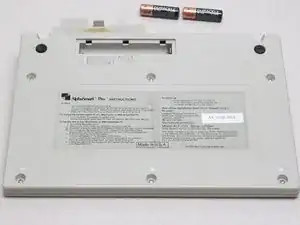
This guide teaches you how to remove the battery cover and batteries.

  1. GpGvVSRpWR4VdHFT
    GpGvVSRpWR4VdHFT
    NG4NKGXA3TtSJkkg
    vysNJaulJI2QKO2p
    • Before attempting to remove batteries, make sure the device is turned off.

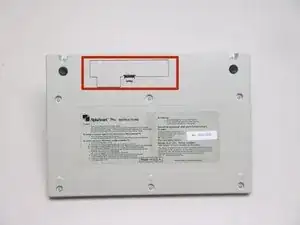
    • Locate the battery compartment on the back of the AlphaSmart Pro.

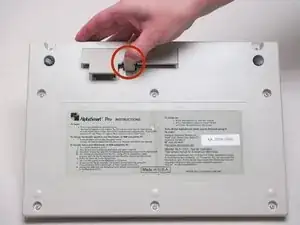
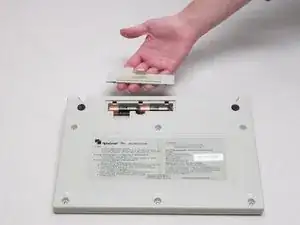
    • Push the tab inward and lift up. This will detach the cover from the device.

  2. IKa51sPKm4lwcJyD
    IKa51sPKm4lwcJyD
    bJFUwVwLUXnEafBT
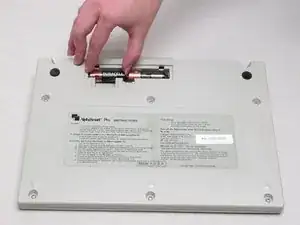
    • Remove each battery by using your fingers or the spudger to pry them from the compartment.

Заключение

To reassemble your device, follow these instructions in reverse order.

Ashley Orr

Участник c: 13/10/14

130 Репутация

0 комментариев